To find what was said on a call, you need a recording, and to have a recording, you need to have thought of it before the conversation started. My first attempt, meet-recorder, sent a reminder five minutes before every video call on my calendar, but I still had to click to start recording, and setting it up took a virtual audio driver, a Google Cloud project and an OpenAI key. I archived it in April. CallRecorder starts from the same need, with one rule: ask for nothing during the call.
Zoom picks up the mic: recording starts.
Zoom releases the mic: recording stops.
- Transcription by Whisper, on the Mac. The two tracks are enough to tell "me" from "the others."
- Identification by Claude: a title, the participants, and the vocabulary to give Whisper, drawn from the screenshots, the calendar and Gmail, all read without changing anything. A call is matched to a meeting only on evidence.
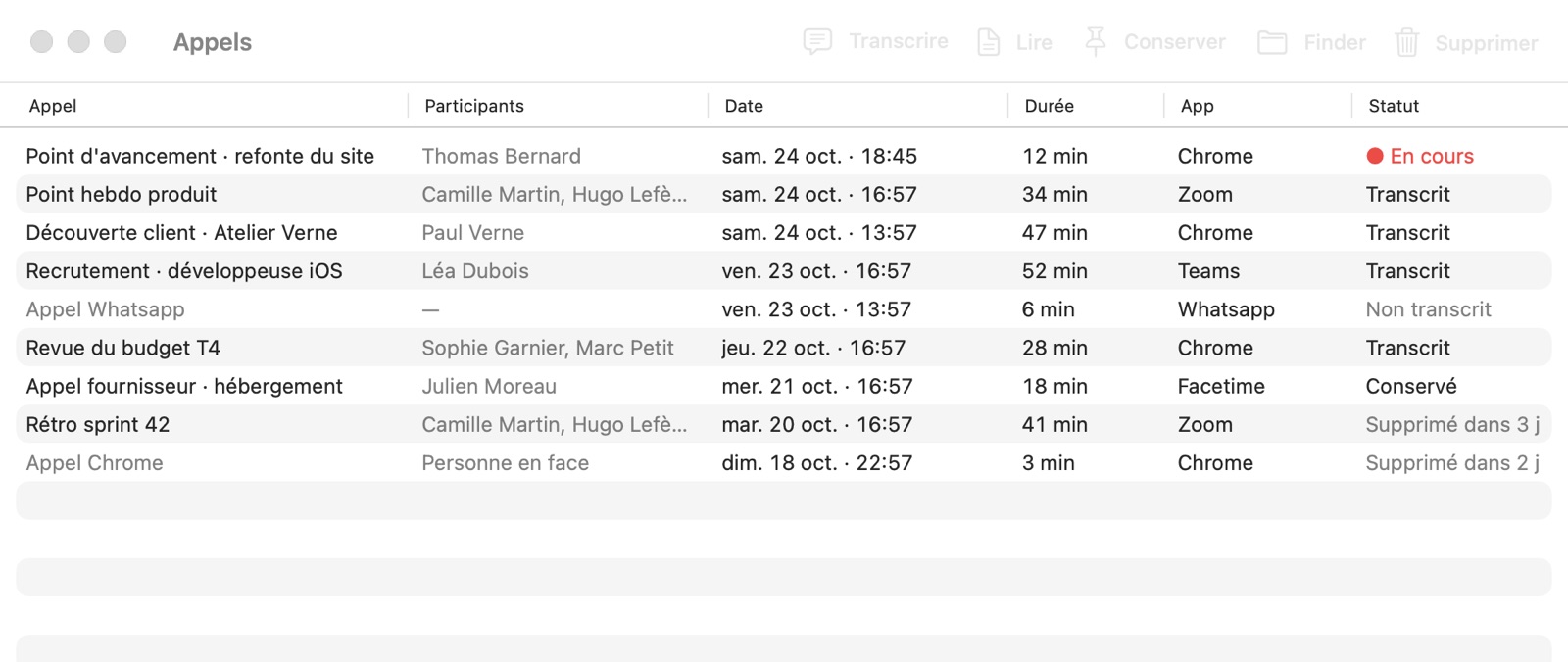
- Finding the call again in the Calls window, with the
callscommand, or by asking Claude through an MCP server.
The spec says "personal use, everything stays on the machine." The audio, the transcript and the usage log never leave the Mac. Two things do, and both are optional: identification by Claude, through the claude.ai subscription, and the setup log, which masks names and folders and stops after the first transcribed call. Each call is a folder holding its two tracks, its context and its transcript, which you can open, copy or delete by hand. Only apps on an allowlist trigger anything: Siri or dictation can take the microphone and nothing starts.
What had to go
meet-recorder only ever ran on my machine. CallRecorder was built by removing whatever kept it that way.
The blue outline has not gone away, though. meet-recorder split the screen into three fixed columns and looked, once a second, for the tile Meet outlines when someone speaks. The CallRecorder spec brings the idea back for a version 2, without a heavy model: Zoom, Teams and Meet outline whoever is speaking and show their name in their tile, and reading that frame and that name on screen would be enough to attribute each sentence on the other side's track.
Three days, one of them on setup
The first file dates from October 22 at 1:20 p.m., and the first commit, at 10:19 p.m., already contains recording, transcription, identification and the MCP server. It is numbered 0.2.0: version 0.1 only ever existed on disk, during those nine hours.
The 23rd went mostly into setup. The first setup assistant asked for every permission at once, without saying why. The second runs a fake call, and macOS asks for each permission at the moment it is needed, as it would during a real call. The installer window went through 24 versions that day. Also on the 23rd, at 7:34 p.m., macOS echo cancellation was added to the microphone, and removed at 7:41: it cut off the capture of other apps' audio and muffled the mic, without removing the echo.
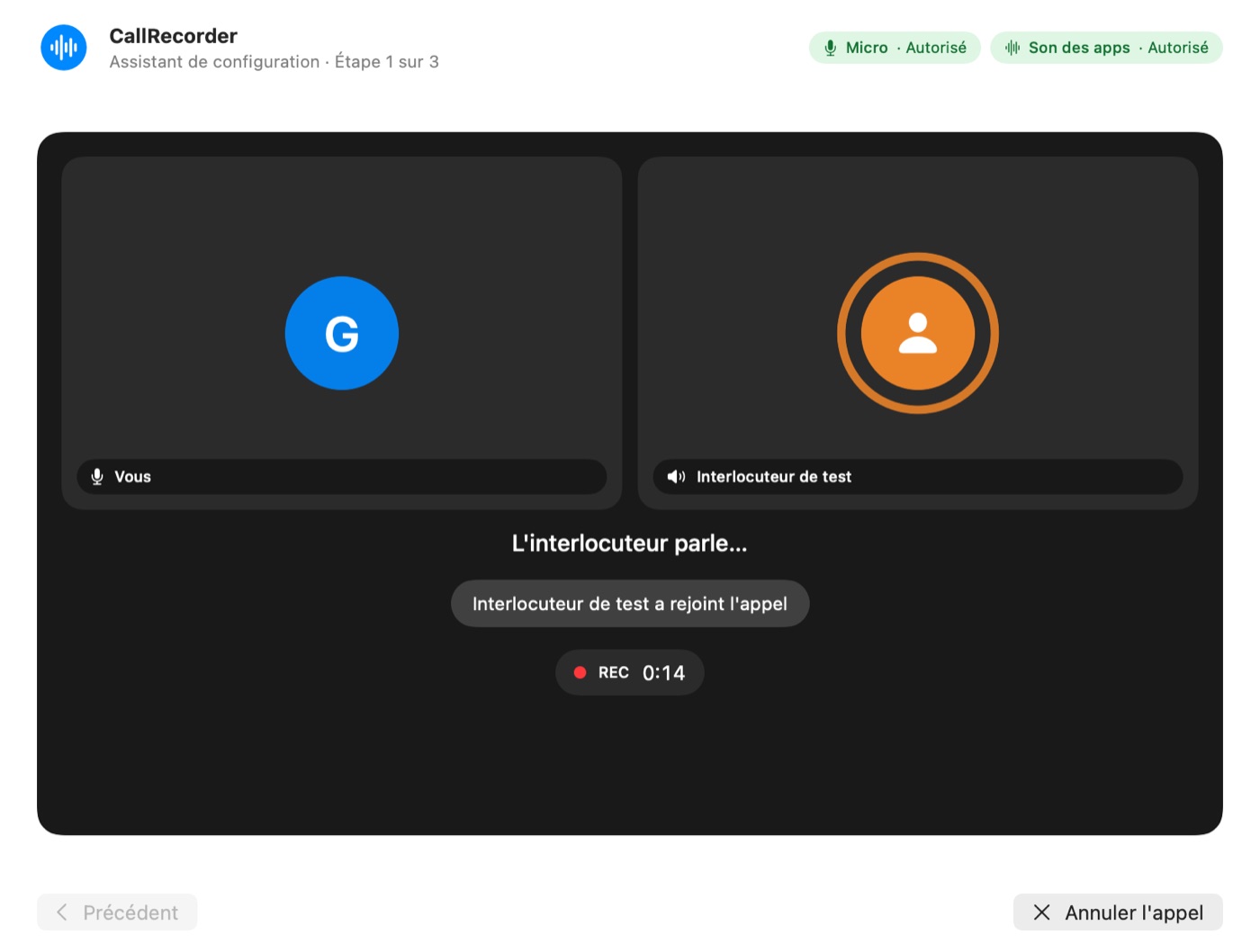
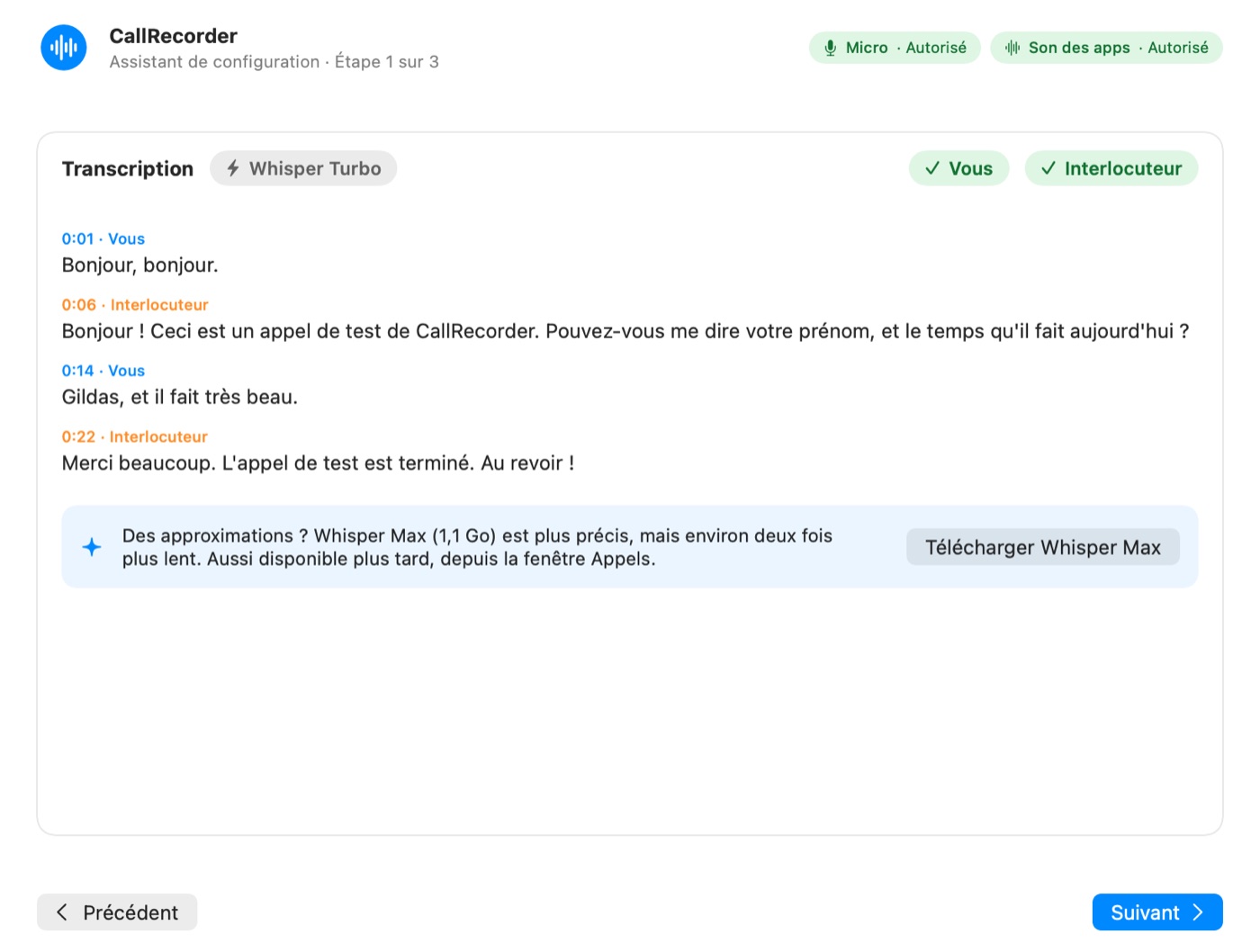
The app has been public since October 24, for Apple silicon Macs running macOS 15 or later, with automatic updates that the user approves.
The next day, a first person installed it on their own Mac, over a video call. Two things slowed them down: Claude Desktop only rereads its configuration at launch, and nothing said so; and on the .dmg's background image, the "Open Anyway" box looked like a real button. Version 0.3.4, released the same day, asks you to restart Claude and redraws the box as a screenshot. Version 0.3.5 followed half an hour later.